

Here’s the honest reality of running a small business in Canada: you’re doing the job of five people, and so is everyone else on your team. You’re writing proposals at midnight, chasing invoices in the morning, answering the same customer questions every Tuesday, and somehow also supposed to be posting on Instagram.
Hiring isn’t always the answer — not at $50,000+ per person per year. But letting things fall through the cracks isn’t an option either.
This is exactly where AI tools come in. Not as a replacement for your team, but as a force multiplier. The right tools give each person on your team a superpower in their lane.
I’ve been experiencing how small Canadian businesses are actually using AI day-to-day, not the hype, but the real workflows. Here are 6 tools, each with a specific job to do.
1. Your Writing & Thinking Partner — Claude AI

Business Function: Writing, proposals, emails, research, content
If there’s one tool that genuinely feels like having a smart colleague available 24/7, it’s Claude.
For small business owners, the writing load is relentless. Proposals, follow-up emails, job postings, policy docs, social captions, client responses — it never stops. Claude handles all of it.
The way most small business owners use it: you open Claude, describe what you need in plain English, and get a polished draft in seconds. You tweak it, send it. That’s it.
Real use cases for Canadian SMEs:
- Draft a project proposal or service quote in your brand voice
- Write a professional response to a difficult client email
- Create an employee handbook section from scratch
- Summarize a long contract or government document
- Translate content for French-speaking clients
At ~$25 CAD/month for the Pro plan, it’s one of the highest-ROI tools on this list. Most business owners recoup that in the first hour of use.
Best for: Owner-operators who wear the “communications and content” hat — which is basically everyone.
See more below
Try Claude AI: https://claude.ai
2. Your Digital Office Manager — Notion AI
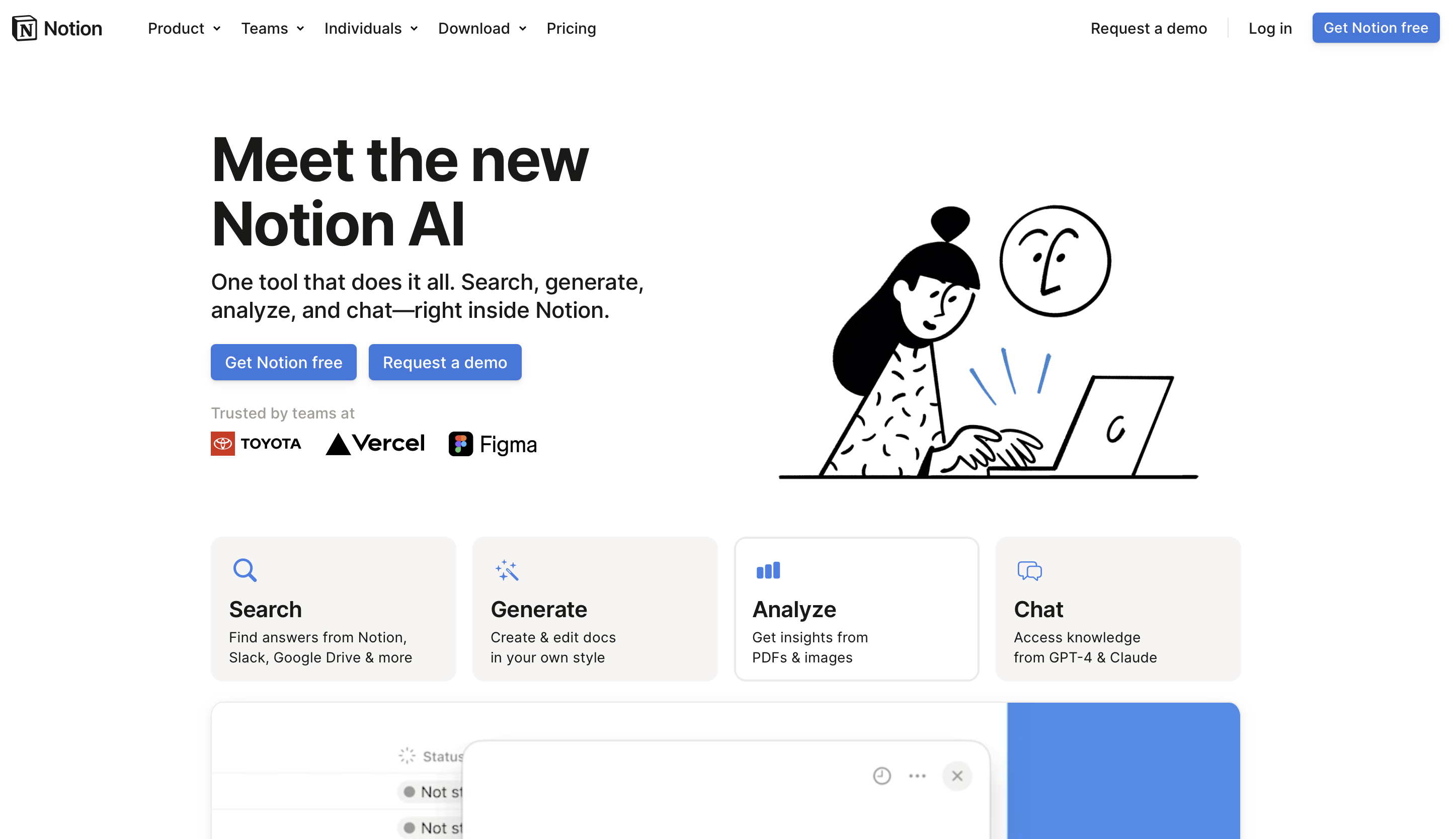
Business Function: SOPs, knowledge base, project tracking, team docs
Notion has been a favourite among small teams for years. But with Notion AI built in, it becomes something more powerful: a smart internal knowledge base that can answer questions about your own business.
Think about how much time gets lost in small businesses because information lives in someone’s head, in an old email thread, or in a folder no one can find. Notion fixes that — and Notion AI makes it searchable and summarizable.
Real use cases for Canadian SMEs:
- Build a client onboarding checklist that every new hire can follow
- Create SOPs for recurring tasks so nothing depends on one person
- Use AI to summarize meeting notes or action items automatically
- Track project status across clients without needing a dedicated PM
- Store supplier contacts, pricing notes, and vendor terms in one place
The free plan is genuinely useful for solo operators. The AI add-on (~$16 CAD/user/month) is worth it once your team has more than two people.
Best for: Businesses with recurring processes, multiple team members who need the same information, or anyone who’s tired of answering the same internal questions twice.
See more below
Try Notion AI: https://www.notion.so
3. Your In-House Designer — Canva AI

Business Function: Marketing, design, social media, pitch decks, print
Let’s be real — most small Canadian businesses can’t afford a graphic designer on retainer. And the free tools that existed before Canva were… not good.
Canva changed that. Canva AI takes it further.
With AI-powered design tools built right into the platform, you can now generate social media graphics, resize content for different platforms, remove backgrounds, write captions, and build entire pitch decks — all without touching Photoshop or paying a designer $150/hour.
Real use cases for Canadian SMEs:
- Create a professional flyer for an event or promotion in 10 minutes
- Build a slide deck for a bank meeting or investor pitch
- Design consistent branded visuals for Instagram and Facebook
- Generate a product catalogue or price list that actually looks good
- Use AI to auto-resize one design for every platform at once
Canva’s free plan covers a lot of ground. Canva Pro (~$20 CAD/month) unlocks the AI features, premium templates, and brand kit — which is where the real time savings kick in.
Best for: Any business that needs to look professional in marketing materials but doesn’t have a design budget.
See more below
Try Canva AI: https://www.canva.com
4. Your First Automation Hire — Zapier
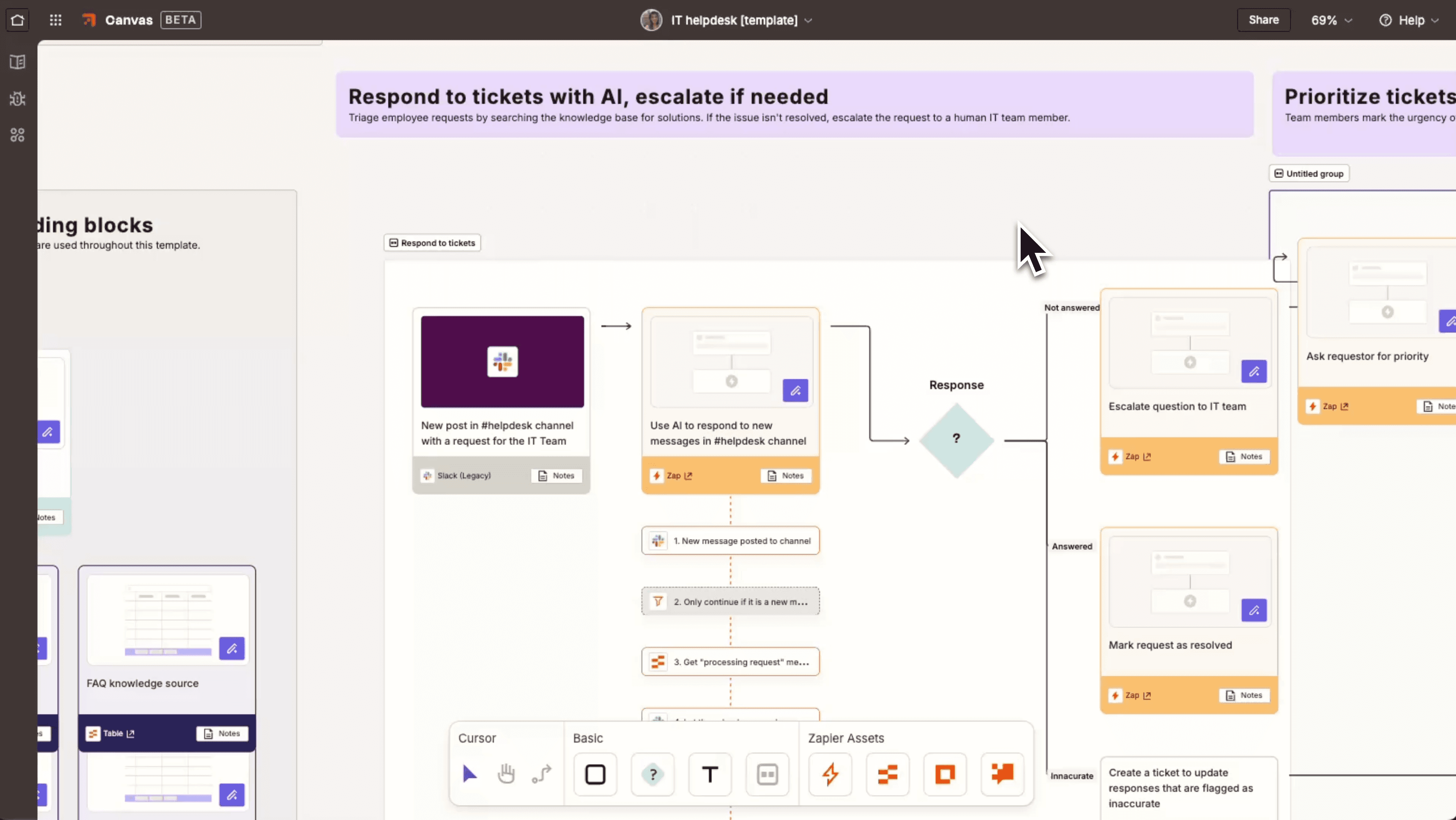
Business Function: Simple app-to-app automation, no coding required
Zapier’s tagline is basically: connect any two apps and make them talk to each other automatically. And for small businesses, that’s a game changer.
Every small team has the same problem: data lives in too many places, and moving it between them is manual and time-consuming. Someone fills out a form → someone has to manually add them to the spreadsheet → someone has to remember to send the welcome email. Zapier does all of that for you.
Real use cases for Canadian SMEs:
- New contact form submission → automatically add to Google Sheets + send a welcome email
- New invoice created in FreshBooks → send a Slack notification to the owner
- New booking on Calendly → automatically create a task in your project management tool
- New Google review → post it to your business Slack channel for the team to see
- Weekly report: summarize new leads and send to your inbox every Monday morning
Zapier connects 7,000+ apps. If you’re using common tools like Gmail, Sheets, Slack, Stripe, or Calendly, you can set up automations in under 30 minutes with no coding.
Free plan: 100 tasks/month — enough to test it. Starter plan: ~$27 CAD/month.
Best for: Teams already using a handful of common apps who want to eliminate manual data entry and repetitive notifications.
See more below
Try Zapier: https://zapier.com
5. Your Power Automation Engine — Make.com
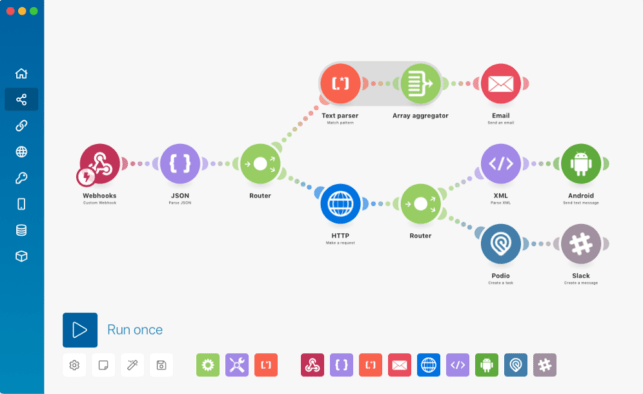
Business Function: Complex, multi-step workflow automation
If Zapier is the easy on-ramp to automation, Make.com is the highway.
Make handles more complex, multi-step workflows that Zapier either can’t do or charges significantly more for. It’s more visual (you build automation flows like flowcharts), more flexible, and considerably cheaper at scale.
For businesses that have grown beyond simple “if this, then that” automations and need real process logic, Make is the upgrade.
Real use cases for Canadian SMEs:
- E-commerce: order placed → update inventory → notify supplier → generate packing slip → send customer confirmation, all in one flow
- Client intake: form submitted → create project in Notion → send onboarding email sequence → schedule intake call via Calendly
- Monthly reporting: pull data from multiple sources → compile into a Google Sheet → email a summary to the team
- Social media: new blog post published → auto-post to LinkedIn, Facebook, and Instagram with formatted captions
The free plan gives you 1,000 operations/month, which covers a lot. The Core plan is ~$12 CAD/month — significantly cheaper than Zapier for the same complexity.
Best for: Businesses ready to automate full end-to-end processes, especially those with e-commerce, client onboarding flows, or multi-system workflows.
See more below
Try Make.com: https://www.make.com
6. Your 24/7 Front Desk — Tidio
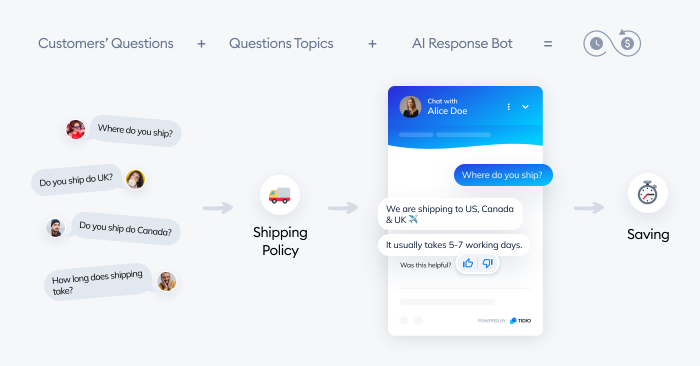
Business Function: AI customer service chatbot, lead capture, FAQ handling
Here’s a question: how many customer inquiries does your business get that are some version of “What are your hours?”, “Do you deliver to [city]?”, or “How much does it cost?”
For most service businesses, retail, and ecommerce, the answer is: a lot. And answering the same questions 20 times a day is a real drain on a small team.
Tidio puts an AI chatbot on your website that handles these conversations automatically — 24/7, in multiple languages, with no one on your team involved.
Real use cases for Canadian SMEs:
- Answer common customer questions instantly, even at 2am
- Capture leads when no one is available — name, email, what they’re looking for
- Route serious inquiries to the right person on your team
- Handle order status questions for e-commerce businesses
- Speak to customers in English or French without extra effort
Tidio’s free plan supports basic live chat and a simple bot. The Starter plan (~$40 CAD/month) adds AI-powered responses and more automation flows.
Best for: Service businesses, ecommerce, and any business that gets repeat customer questions — especially if you’re not available to answer them in real time.
See more below
Try Tidio: https://www.tidio.com
You Don’t Need All 6 — Start With One
If you’re just getting started, don’t try to implement everything at once. Pick the tool that solves your biggest daily frustration:
- Drowning in writing and communication? → Start with Claude
- Team always asking where things are? → Start with Notion AI
- Need to look more professional on a budget? → Start with Canva
- Tired of copying data between apps? → Start with Zapier
- Losing customers because no one responds fast enough? → Start with Tidio
The goal isn’t to automate everything overnight. It’s to buy back a few hours a week, so you can spend more time working on your business instead of just in it.
That’s how a 2-person team starts running like 10.